This one’s quick. There are a couple of ways to find out your SQL server version. Firstly the version is listed within the Object Explorer in the Microsoft SQL Server Management Studio. The second option which provides more detailed information is to run the following query.
select @@versionThe version information is returned in the query results section at the bottom. Both examples of obtaining the SQL server version are shown in the image below.
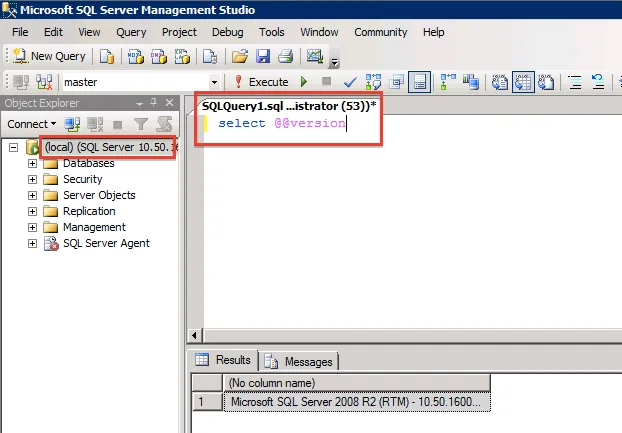
Identifying Microsoft SQL Server version using Microsoft SQL Server Management Studio