A quick post here to share a new feature in SharePoint 2013 that enables you to easily embed code such as javascript and CSS into the content area of a web part page for example.
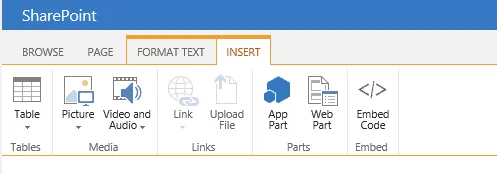
Insert action to embed code
Previously we did this by editing the page source or by creating lots of text files and linked them using the “Content Link” parameter in “Content Editor Web Parts (CEWP’s)”. Now we can easily embed code on a content page where SharePoint places it is in a lovely dedicated snippet section that is only visible when you edit the page.
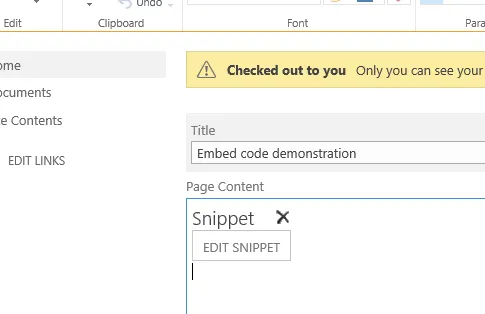
Code embed in page content
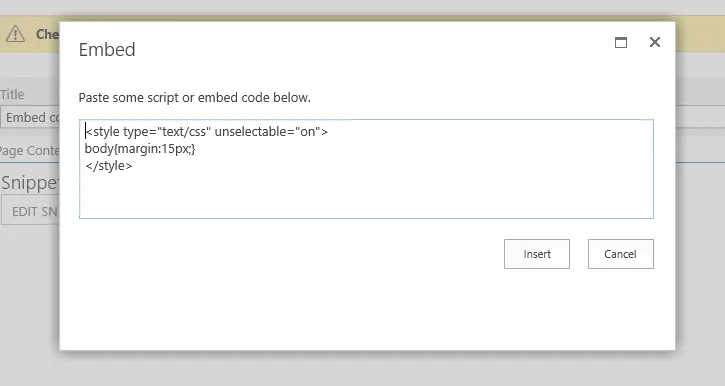
Embed code window
When you add any javascript SharePoint converts the “edit snippet” link as shown above to a web part where you then edit the content much like the “Content Editor Web Part”.